Your everyday Windows companion

Everything you use, on your notch.


Already bought? Download Numa

Windows 10 and 11 No account needed $4.99 One time purchase Buy Now

What Numa does

Less switching.
More doing.

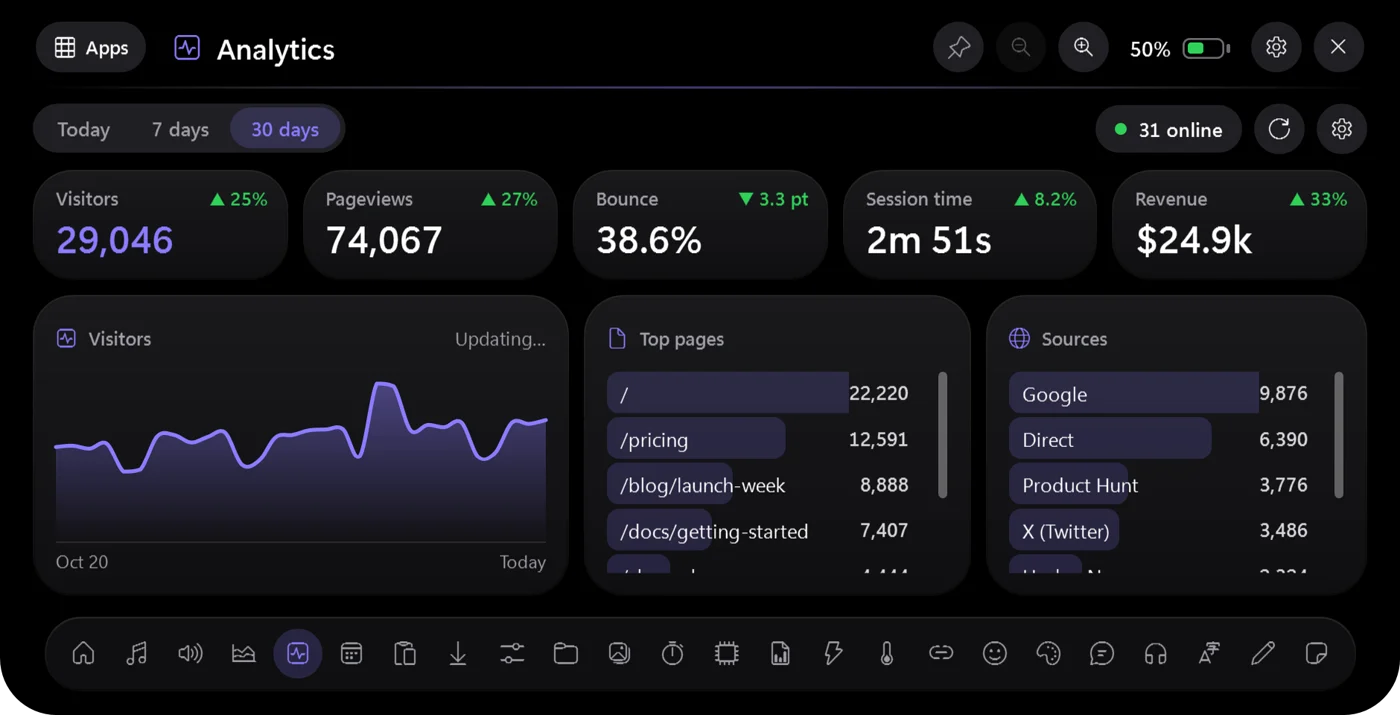
Sales, traffic and your day, in one place you never have to open.

Revenue, the second it lands.

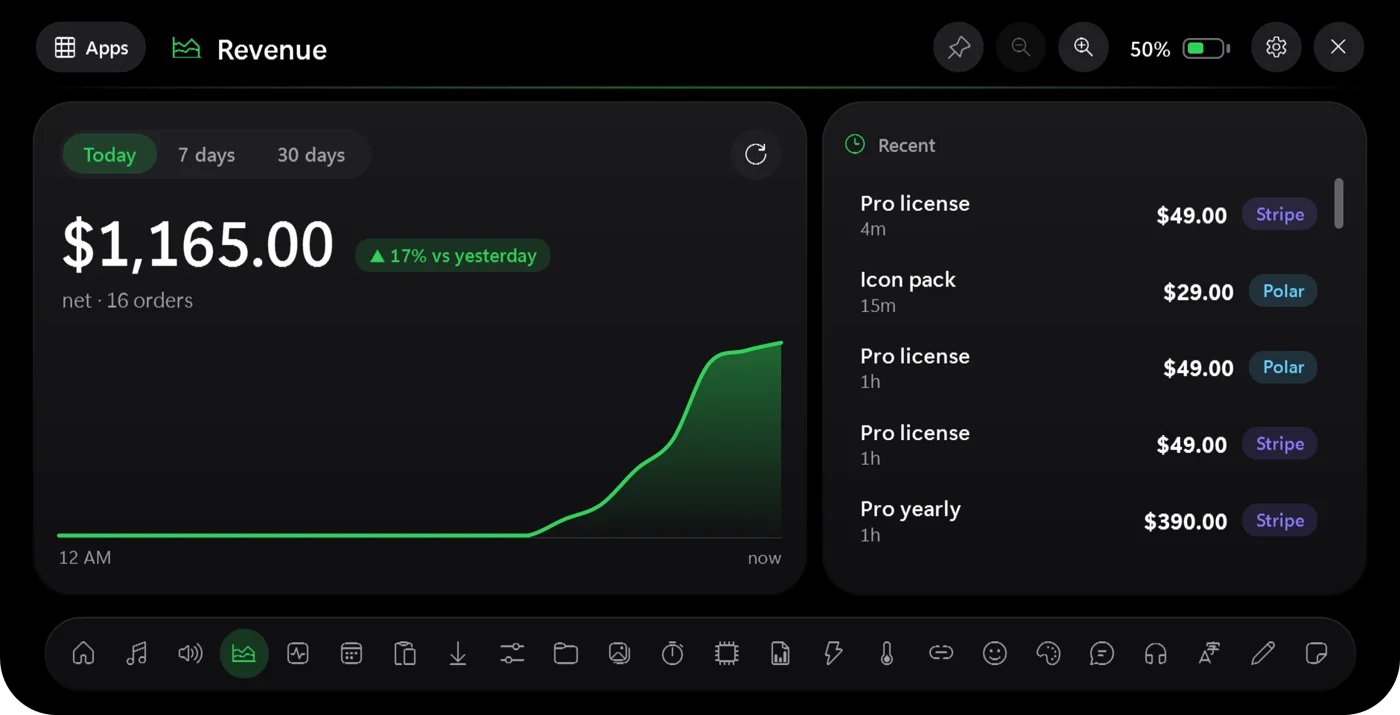
Connect Stripe or Polar with a read-only key. See today, 7 and 30 days with trends, the latest sales, and a per-provider breakdown. New sale? The pill swells to tell you.

  • Each currency gets its own total
  • Keys are encrypted on your PC
Numa's Revenue panel: $1,165 today, up 17% on yesterday, with a chart and recent Stripe and Polar sales.

And plenty more

A little space.
A lot of tools.

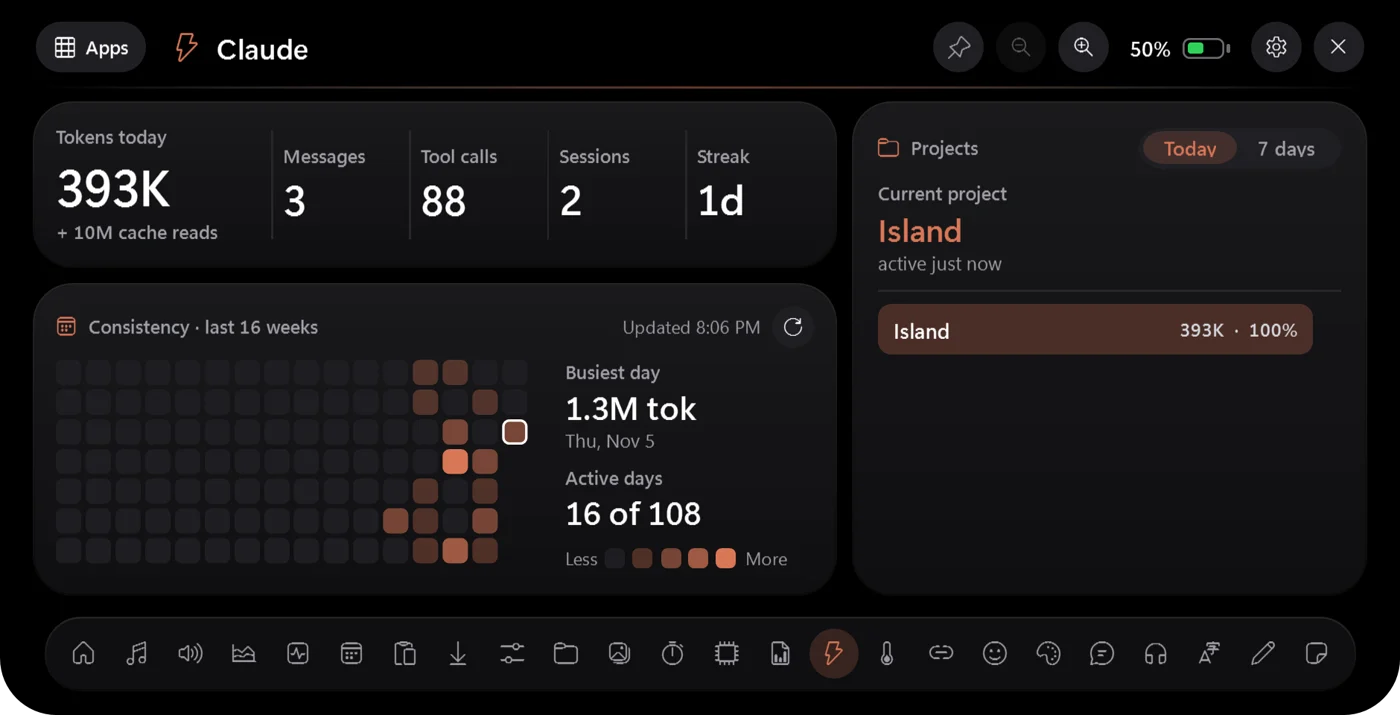
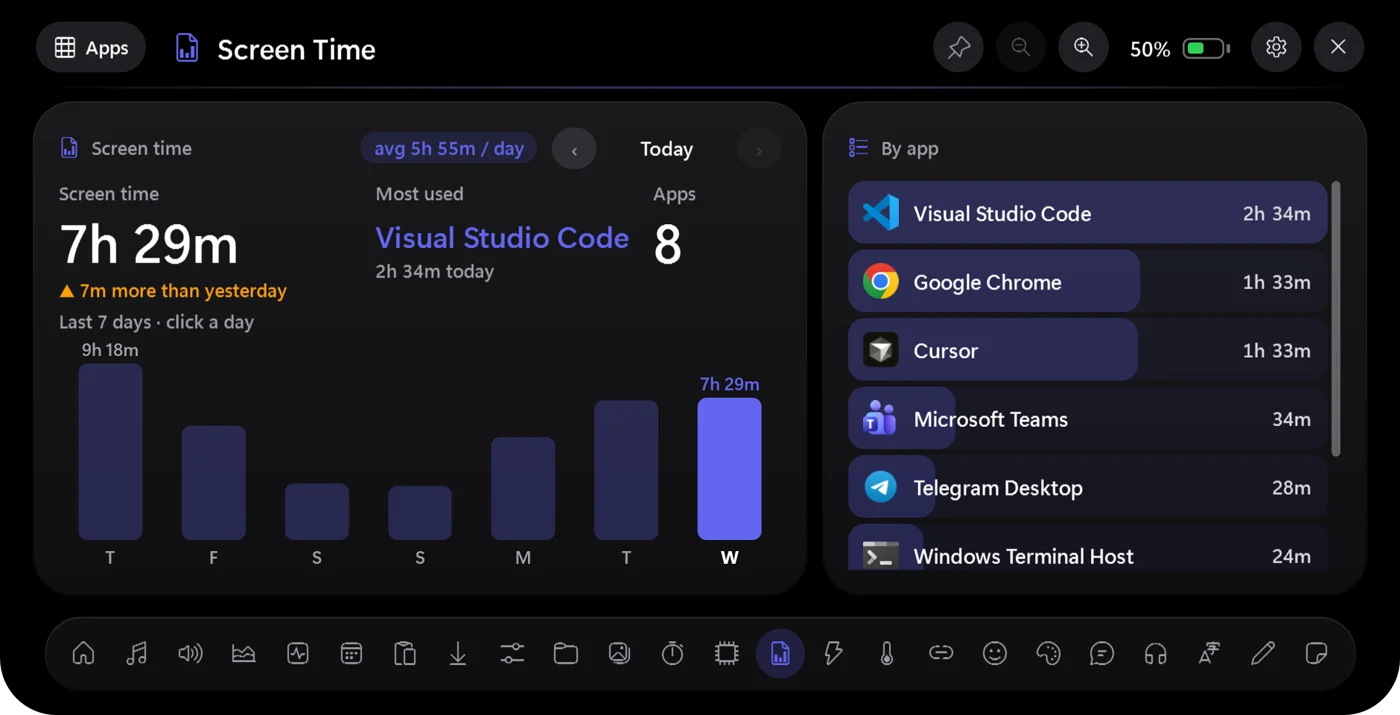
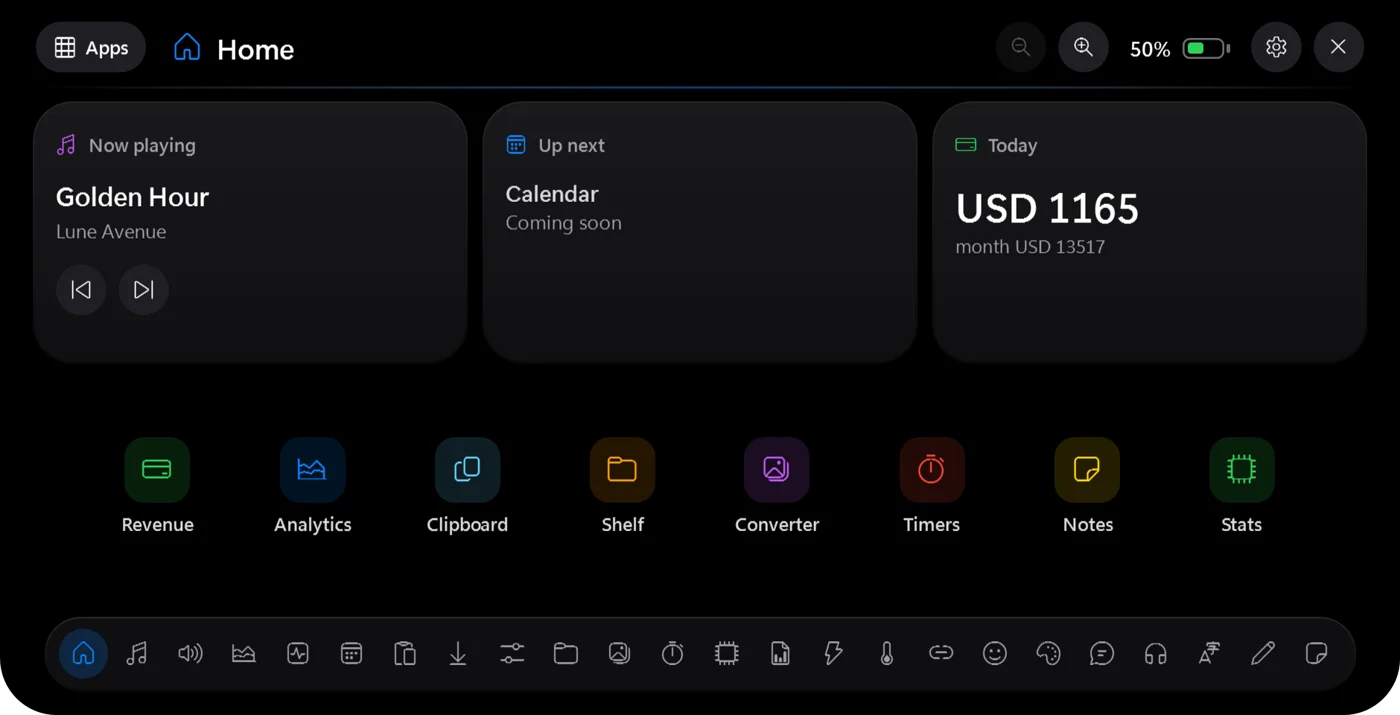
Everything you reach for ten times a day lives in the dock. Pick one to see it.

Try it

Write on your notch.

Type anything and it scrolls across the collapsed pill as a dot-matrix ticker. A status, a mantra, a very public to-do. Try it here, in the app’s own 5×7 font.

Under the hood

Small on screen.
Thoughtful underneath.

  • Featherweight

    The render loop stops the instant nothing is animating, so idle CPU sits at roughly zero.

  • Keys stay on your PC

    Keys and tokens are encrypted with Windows DPAPI. Read-only scopes only. There is no server and nothing phones home.

  • Never in your way

    Click-through outside the shape, hidden from Alt+Tab and the taskbar, and it steps aside when a fullscreen app runs.

  • Moves with you

    Width, height and corner radius run on a real spring, at your display's refresh rate.

Get started in three steps.

  1. Get Numa

    Buy Numa for $4.99 and your license key arrives by email. Then download Numa-win-x64.zip and unzip it. The zip is one file, Numa.exe.

  2. Open it

    A short setup runs on first launch, then a black pill appears at the top of your main screen.

  3. Plug in your accounts

    Optional. Open Settings from the tray icon and paste a restricted Stripe key or Polar token.

Simple pricing

Pay once. Keep Numa.

No subscription and no account. One payment unlocks everything.

$4.99

50 spots only · 5 already bought

You are here

$9 +$4.01

After 50 customers

$ 4.99

One payment. Your license key arrives by email.

  • Every app in the dock
  • Stripe and Polar revenue
  • Alerts for sales, timers and music
  • Keys encrypted on your own PC
  • One .exe, no installer or admin rights

Already bought?

Download the app, then paste your license key on first launch.

Download Numa

A few things to know

Frequently Asked Questions

No. You pay once and keep Numa. There is nothing to renew.

No. Numa has no sign-up. Stripe and Polar connect straight from your PC, and your keys stay encrypted on it.

Windows 10 and Windows 11 (64-bit). .NET is built in, so there is nothing else to install.

No. Connections are optional. Music, timers, notes, the clipboard, the weather and the rest work without any account.

Download Numa-win-x64.zip and unzip it anywhere. The zip is one file, Numa.exe. On first launch, paste the license key from your email, run the short setup, and a black pill appears at the top of your main screen.

No analytics, no telemetry and no ads. Numa talks to a service only when you use the feature that needs it, and your keys are encrypted on your PC. Read the full privacy page.

No. Numa is click-through outside its shape, hidden from Alt+Tab and the taskbar, and it steps aside when a fullscreen app runs. A game in exclusive fullscreen can still cover it, which is a Windows limit.

No. The render loop stops the instant nothing is animating, so idle CPU sits at roughly zero.

Yes. Email hey@getnuma.app within 14 days of buying and we'll refund it, no explanation needed. One thing to know: a refund revokes your license key, so Numa stops unlocking on every PC it was activated on and goes back to the license screen.

Put your top edge to work.

For Windows 10 and 11.